🚨 24×7 Emergency Helpline: 99731 19257  |  Not yet a subscriber? Subscribe now
BRIGHTFAITH +
EMERGENCY RESPONSE
🪪 Member
Home Emergency Care · Since Day One, We Come To You

Living alone shouldn't mean facing an emergency alone.

One panic button. One call. We reach you and get you to hospital — fast, verified, and without your family having to scramble for help.

See how it works
8–12
Min. Avg. Response
120+
Partner Hospitals
24×7
Always On Call
Emergency Panic Button

Press and hold to alert our response team. We dispatch immediately and transport you to the nearest partner hospital.

Locked — activate your subscription to enable this button
For verification and safety, the panic button activates 16 days after your subscription payment. Your profile, hospital lookup and digital ID are available immediately.
🔒 Subscribe to Unlock
Your Service, Step by Step

What happens from the moment you press SOS

An animated walkthrough of exactly what you'll see and do, from the panic alarm to being safely handed over to your family or friend.

🚨
STEP 1 OF 8

Press the Panic Button

One tap on your BrightFaith app instantly sends an alert with your live location — no calls to make, no address to explain.

The Process

Verify, choose, pay — then we protect you

Payment always comes before your profile is filled in. This keeps checkout quick and your emergency details are only entered once your cover is confirmed active.

01
📱
Verify Mobile
Enter your number and confirm with a one-time OTP code.
02
🗂️
Choose a Plan
Pick Half-Yearly or Annual cover based on your needs.
03
💳
Pay Securely
Pay by UPI, QR, card or net banking via Razorpay.
04
🛡️
Complete Profile
Add your details, family & medical info to activate full support.
Subscription Plans

Two plans. One promise — we show up.

Every plan includes the panic button, verified hospital transport, and a dedicated response coordinator for your family.

Half-Yearly
₹12,500/6 mo
Auto-renews every 6 months via UPI Autopay/Card
24×7 panic button emergency dispatch
Emergency hospital transport included
2 emergency contacts + guardian on file
Access to 120+ partner hospitals nearby
Digital ID & membership card
Partner Network

Hospitals near your registered location

Share your location to see partner hospitals ranked by distance — this is also how our team routes an ambulance during an emergency.

Emergency Awareness

What happens in those first few minutes

A medical emergency at home doesn't wait for someone to be nearby. Here's exactly what BrightFaith Emergency+ does the moment help is needed.
1 ▶ Tap to play (with sound)
The Emergency
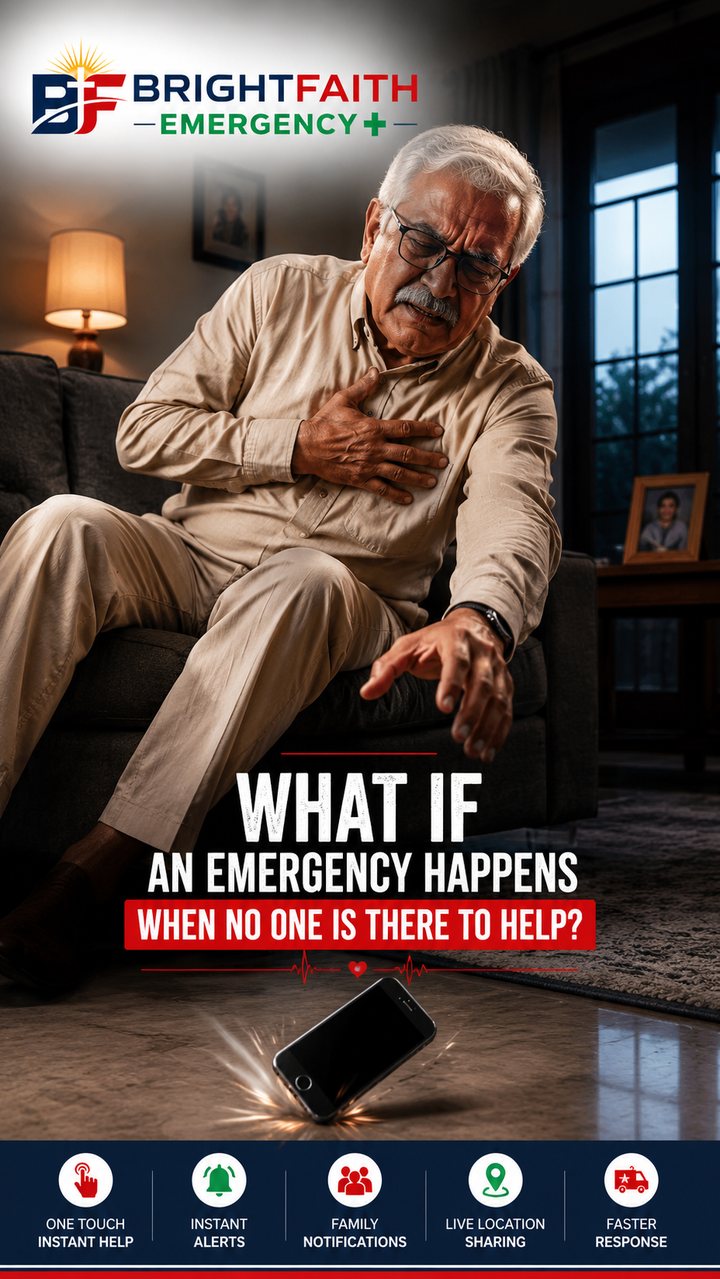
An emergency can happen in seconds — with no one else in the room.
2 ▶ Tap to play (with sound)
One Touch for Help
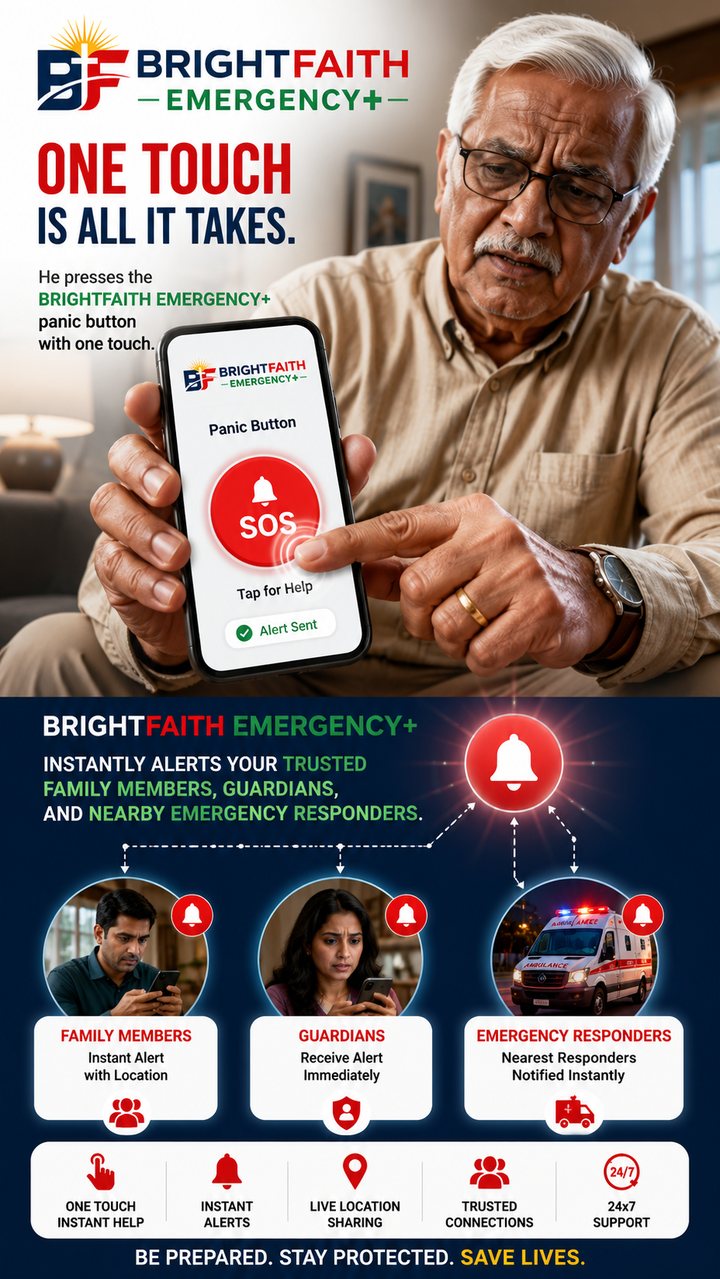
A single press of the panic button is all it takes to send an alert.
3 ▶ Tap to play (with sound)
Family Alerted Instantly
Family, guardians and our response team are notified with live location.
4 ▶ Tap to play (with sound)
Help Arrives Fast
A verified ambulance partner is dispatched and tracked to your door.
5 ▶ Tap to play (with sound)
We're Watching Over You
Your family and care circle stay reassured, every step of the way.
6 ▶ Tap to play (with sound)
Subscribe Now
Protect the people you love before an emergency ever happens.
For Hospitals & Ambulance Operators

Register as a BrightFaith Service Provider

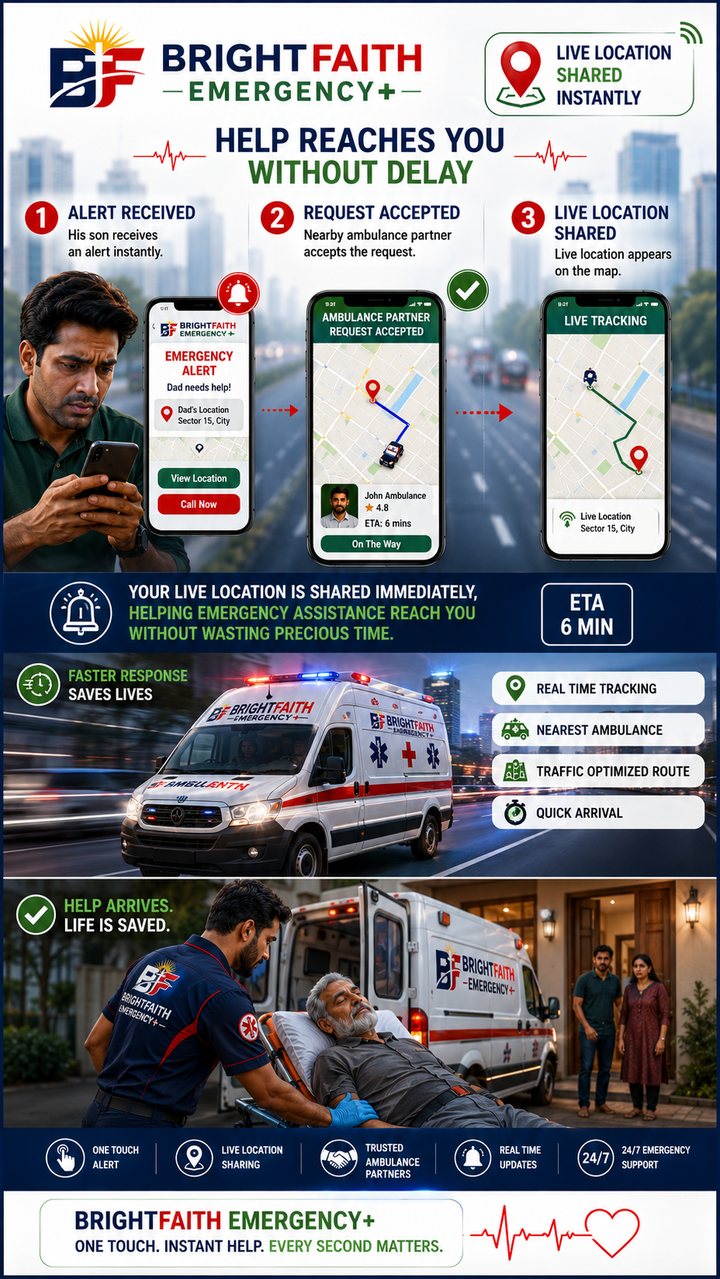
When a subscriber presses the panic button, verified hospitals and ambulance partners near them are alerted instantly. First to accept, responds. When You Can't Move, We Do.

01
🔔
Alarm Received
A panic alert reaches your dashboard with the client's live location & address.
02
First to Accept
Whoever accepts first is assigned the job — no bidding, no delay.
03
🔑
OTP-Verified Pickup
Client shares a code on arrival to confirm and start the trip to hospital.
04
💰
Handover & Payout
Close the job with a second OTP after handover — ₹2,000 is credited to you.
What BrightFaith Pays You
₹2,000/service
Paid directly to you for every completed emergency response
Fixed service fee, paid on job completion
No commission cut, no bidding wars
Paid to your registered bank/UPI on file
Families We Support

Trusted by people who can't take the risk

★★★★★
My father lives alone in Nagpur. The night he had chest pain, the team reached him before we could even book a cab from Pune.
Ananya R.
Daughter of a subscriber, Pune
★★★★★
Registration took longer than the payment — but that's because they actually collect our real emergency contacts and medical info.
Suresh K.
Subscriber, Nashik
★★★★★
The panic button is right there when I need it, and my son gets an alert on his phone the second I press it.
Meenal J.
Subscriber, Aurangabad
New Subscription
Step 1 of 4

Verify your mobile number

We'll text a one-time code to confirm it's you. This number becomes your subscriber login.

🇮🇳 +91
Step 2 of 4

Choose your subscription plan

Select one plan to continue to secure payment.

Half-Yearly Plan
🔁 Auto-renews every 6 months — cancel anytime
₹12,500one-time
24×7 panic button dispatch
Emergency hospital transport
Digital ID & membership card
Annual Plan
🔁 Auto-renews every 12 months — cancel anytime
₹20,000one-time
Everything in Half-Yearly
Priority dispatch queue
Unlimited family & friends on file
Step 3 of 4

Complete secure payment

Your subscription activates immediately once payment is verified by our server.

Plan
Order Reference
Amount Payable₹0
Or pay via Razorpay Payment Link ↗

Scan to open our secure Razorpay payment page · Amount: ₹0

razorpay.me/@brightfaithprivatelimited

📲
Google Pay
💜
PhonePe
🔵
Paytm
🇮🇳
BHIM UPI

Tapping an app above opens Razorpay's secure checkout, where you pick that app and pay by UPI — this is what actually moves the money and is the only way to unlock your subscription.

🔒 There is no manual "I've paid" option — access only unlocks after Razorpay confirms a real, verified payment.
🔒 256-bit encrypted · Verified server-side by BrightFaith before activation

Verifying your payment…

Please don't close this window. Our server is confirming payment status with Razorpay.

Payment Successful

Your BrightFaith Emergency+ subscription is now active. Let's finish setting up your emergency profile.

Plan
Amount Paid
Payment ID
Order ID
Subscription ID
Valid Until
Auto-Renewal
Step 4 of 4

Complete your emergency profile

This is what our dispatch team sees the moment you press the panic button. The more complete, the faster we can help.

Subscriber Details
📄

Tap to upload Aadhaar (image/PDF)

📷

Tap to upload a clear photo

Emergency Contact 1
Emergency Contact 2
Guardian Details
Family Members

Add every family member we should be able to reach or inform in an emergency.

Friends

Add trusted friends who live nearby and can respond quickly.

Medical Information
Live Location

We use this to route the nearest ambulance and hospital to you. You can update it anytime from your profile.

🛡️

Registration Completed Successfully

You now have full access to BrightFaith Emergency+ — hospital lookup and your digital ID are ready now. Your panic button and ID card download activate 16 days after this payment, on .

🔑

Subscriber Login

Enter your registered mobile number to unlock your panic button and digital ID on this device.

🚨

Confirm Emergency Dispatch

This will alert BrightFaith's response team and notify your emergency contacts with your live location. Only confirm if this is a real emergency.

Service Provider Registration
Step 1 of 3

Verify your mobile number

This number becomes your provider login and where job alerts & payout confirmations are sent.

🇮🇳 +91
Step 2 of 3

Tell us about your facility

This is what BrightFaith's dispatch team and subscribers see when your service responds.

Provider Type
Organization Details
📄

Tap to upload license/registration proof

Location & Coverage

We use this to match you with emergency alerts nearby.

Payout Details

Your ₹2,000 per-service fee from BrightFaith is paid here. Hospital & ambulance charges are billed by you directly to the client.

🚑

You're Registered as a BrightFaith Provider

You'll now receive emergency alerts from nearby subscribers. Accept a job, verify OTPs at pickup and handover, and get paid ₹2,000 per completed service.

⚠️

Report an Issue

This goes straight to BrightFaith's operations team for review.

Service Completed

How was your experience with the responder who helped you?

☆☆☆☆☆
🚑

Provider Login

Enter your registered mobile number to open your BrightFaith Provider Dashboard.

Provider Dashboard — Provider

Emergency alerts from subscribers appear here in real time. First provider to accept is assigned the job.

Job History